Using Crateview
Find repositories and tags
Explore lists repositories. Search supports repository names and repository:tag. Open a repository to inspect its tags.
Repositories use a table by default. Switch between table and grid; slash-separated names form nested namespaces. Resize or collapse the sidebar; its state is saved locally. Search is in the sidebar.
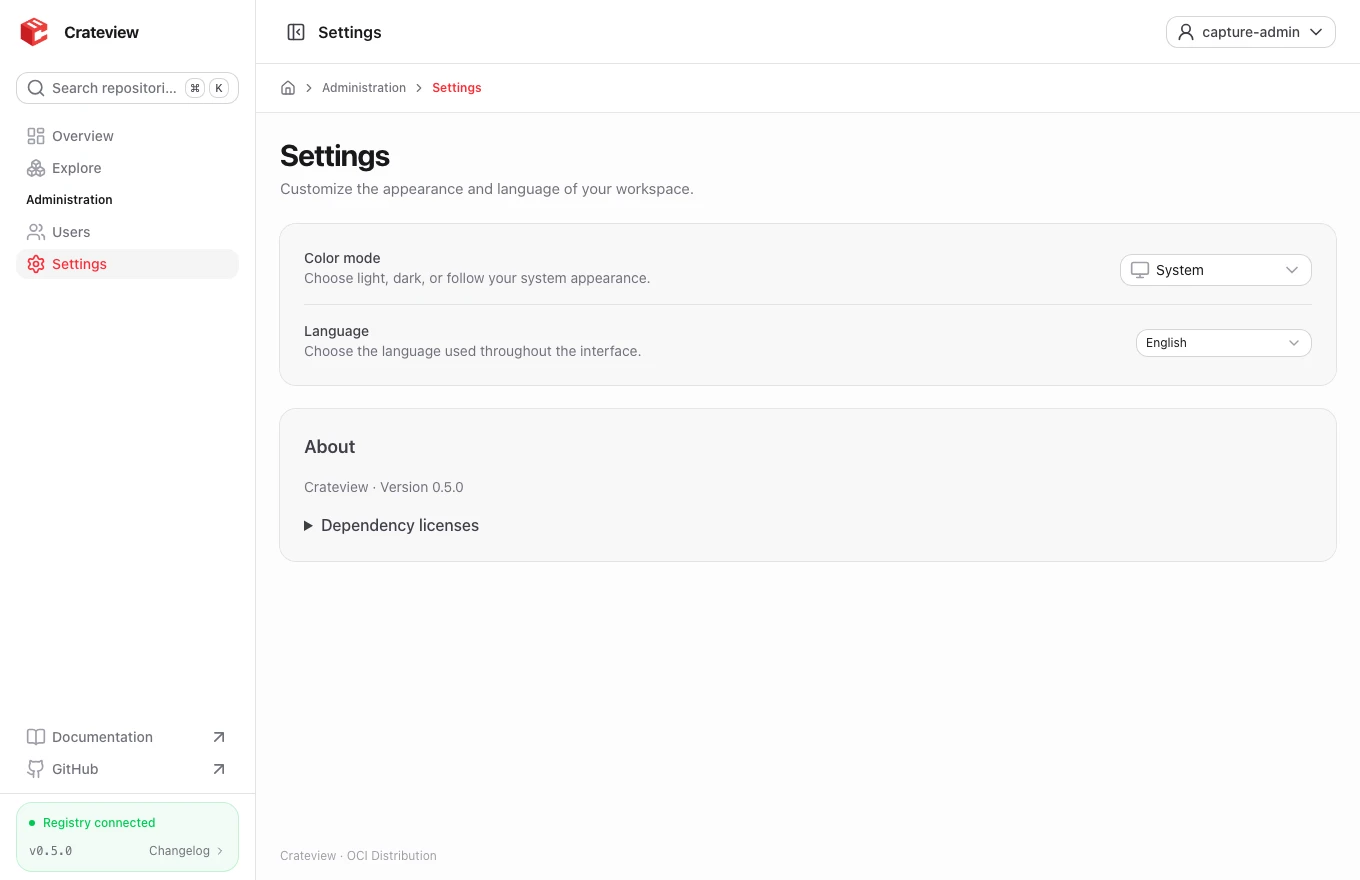
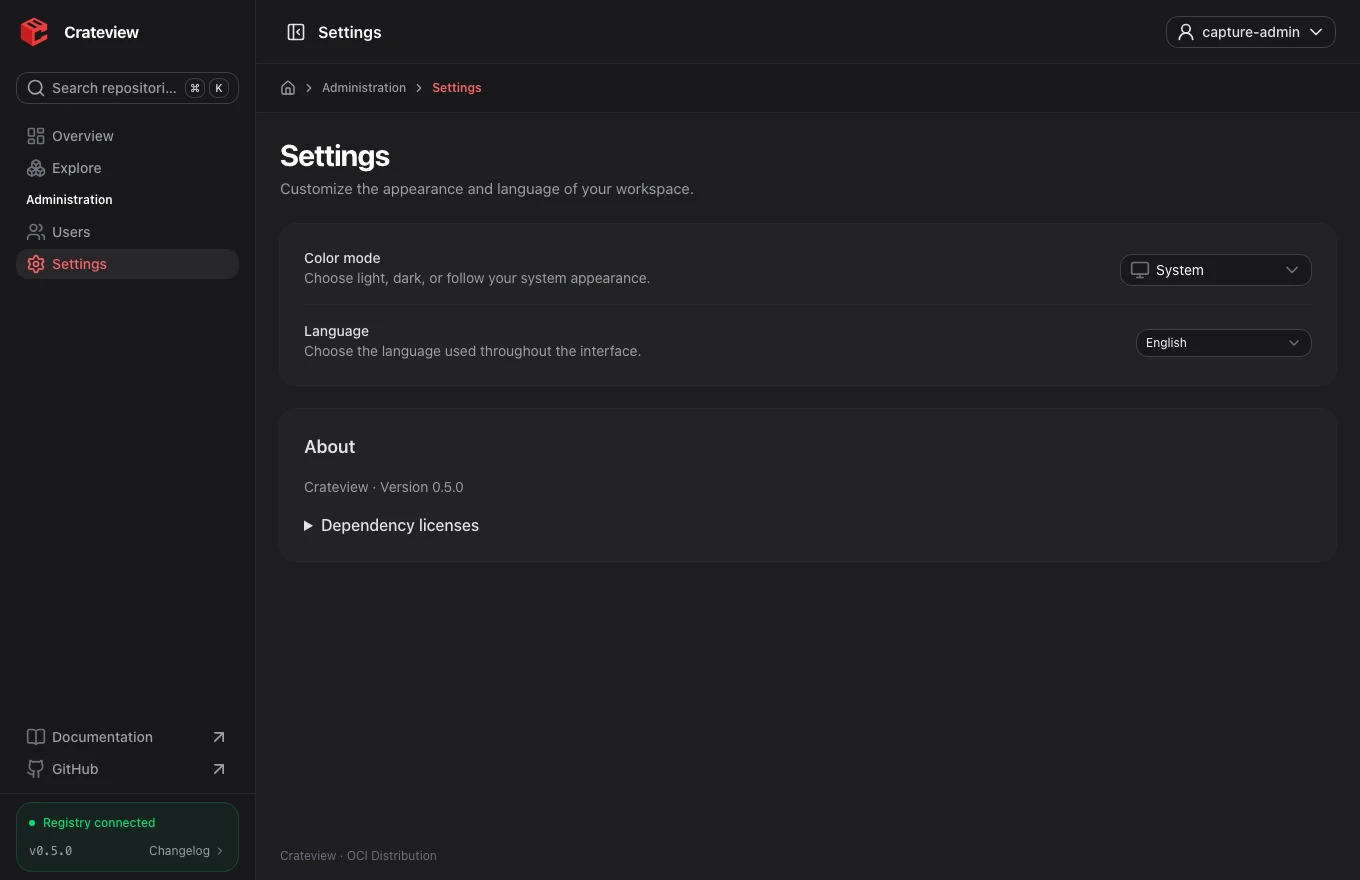
Use / or Ctrl+K (Cmd+K on macOS) to open the command palette for repository/tag search and navigation. Namespace folders can be collapsed. Settings contains language, System/Light/Dark and About with searchable dependency licenses and original notices.
Administration groups Settings and Users. The account menu also offers language and theme selection. Account changes your own password after confirming the current password. Users lists accounts and creates them only when the server allowlist permits it; token grants are read-only. New accounts require a password of at least 12 characters and at most 72 UTF-8 bytes. New token accounts start without repository access.
Inspect an image
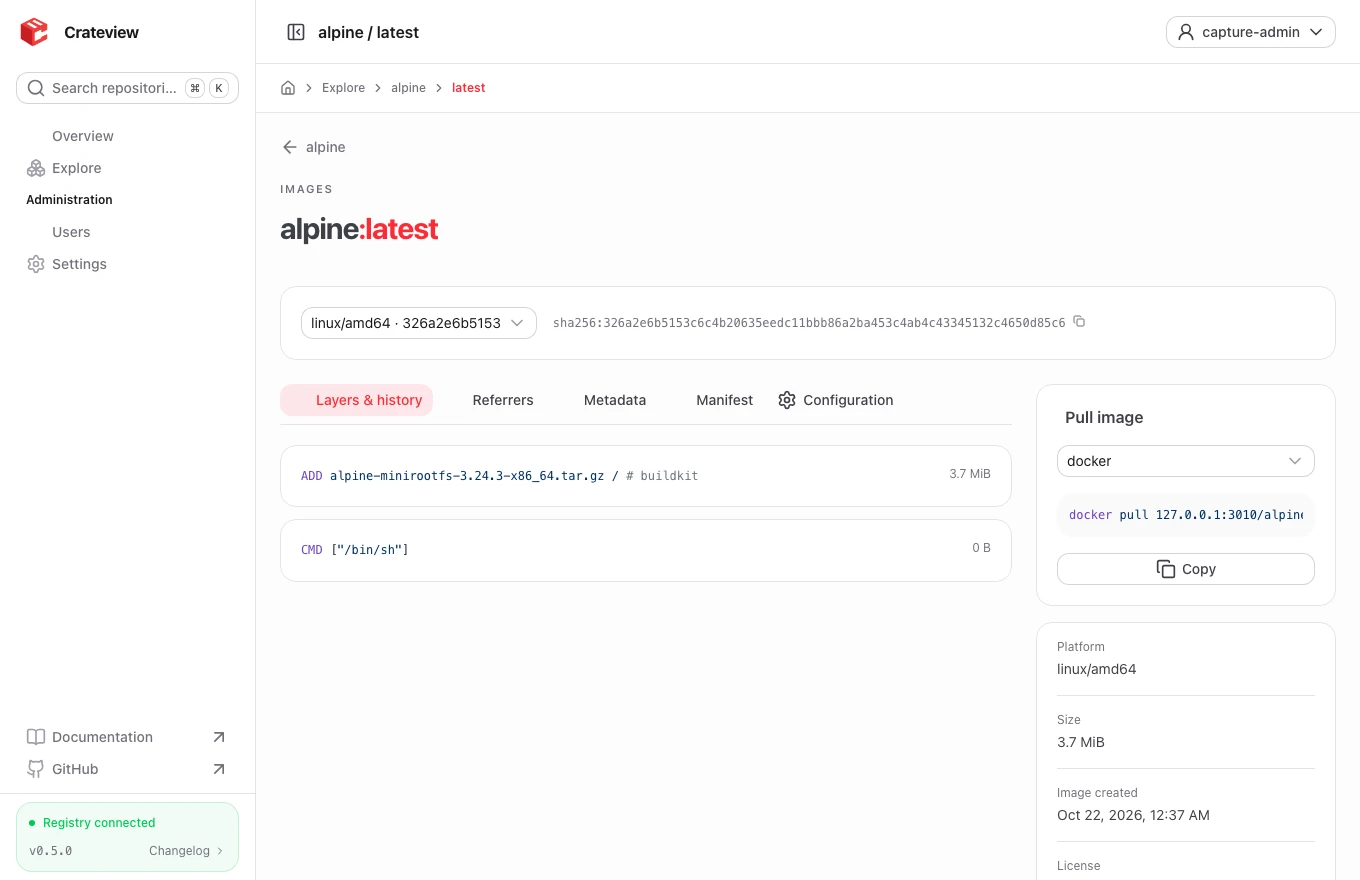
Open a repository and select a tag. The image view shows its digest, available platforms, compressed layer sizes and creation metadata.
For a multi-platform image, choose the operating system and architecture in the platform selector. The layer history and selected image config follow that choice. The raw Manifest tab shows the image's root manifest or index; Configuration shows the selected platform's config.
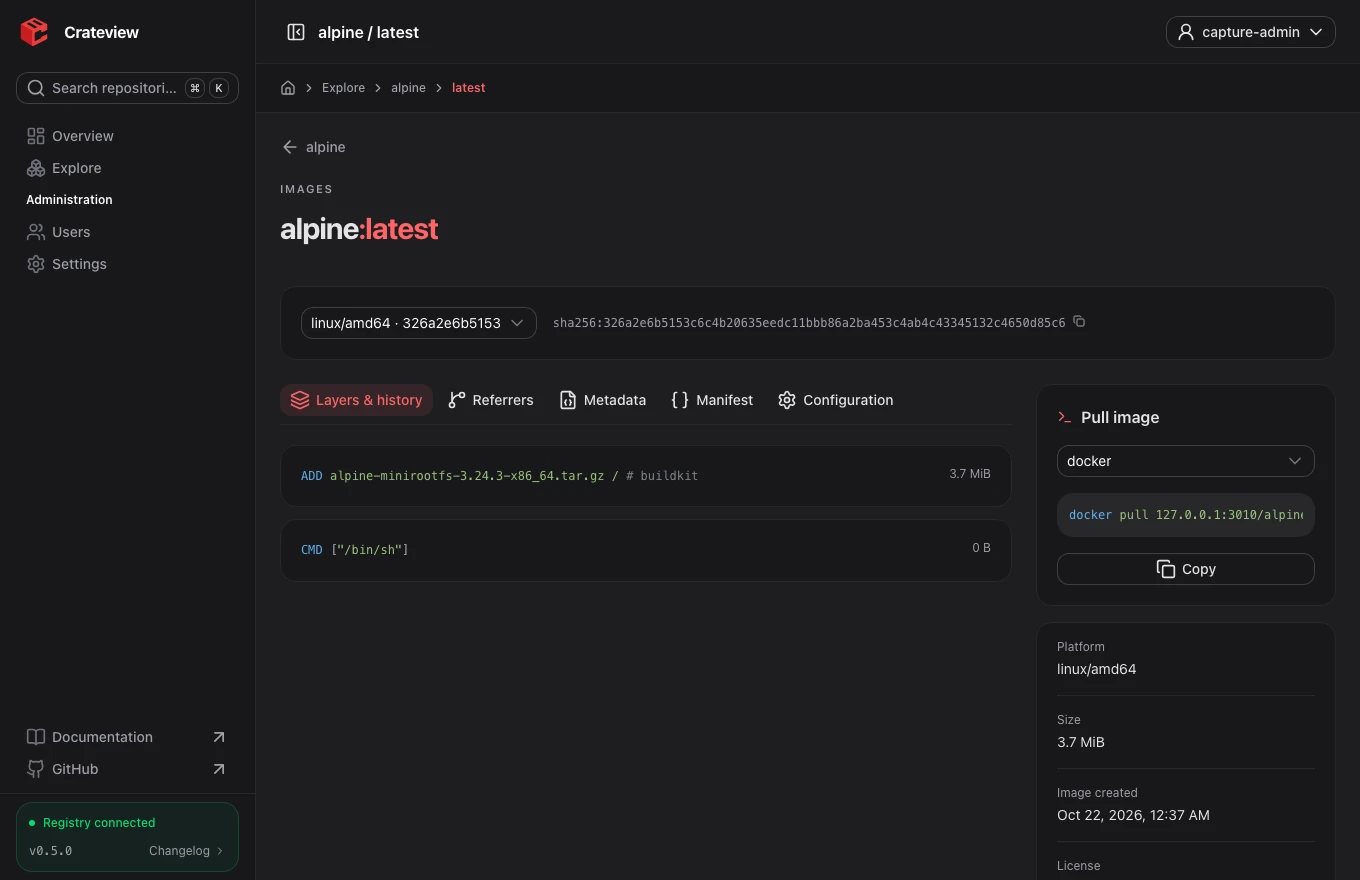
Pull commands
The command panel provides Docker, Podman and Skopeo commands for images, and ORAS/Podman artifact commands for artifacts. Copy the command and run it in your own terminal.
docker pull registry.example.com/team/service:latest
podman pull registry.example.com/team/service:latest
oras pull registry.example.com/team/report:latest
Replace the example host with your public Crateview origin. CLI authentication is separate from your browser session.
OCI metadata and referrers
Descriptions, licenses and source links are read from OCI annotations or image config labels when available. Missing metadata stays empty rather than being guessed.
The Referrers tab reads the OCI referrers API. If the registry does not implement that endpoint, Crateview reads the standard digest-derived tag index maintained by OCI clients. It does not build its own index by scanning every manifest. Listed signature artifacts are not automatically verified or marked trusted.
Interpret timestamps and sizes
Image creation time is provided by the image config or annotations. It does not tell you when a tag was pushed to this registry. Compressed layer sizes do not measure disk consumption, because layers can be shared and deleted data may remain until garbage collection.