Overview
A clearer view of your registry
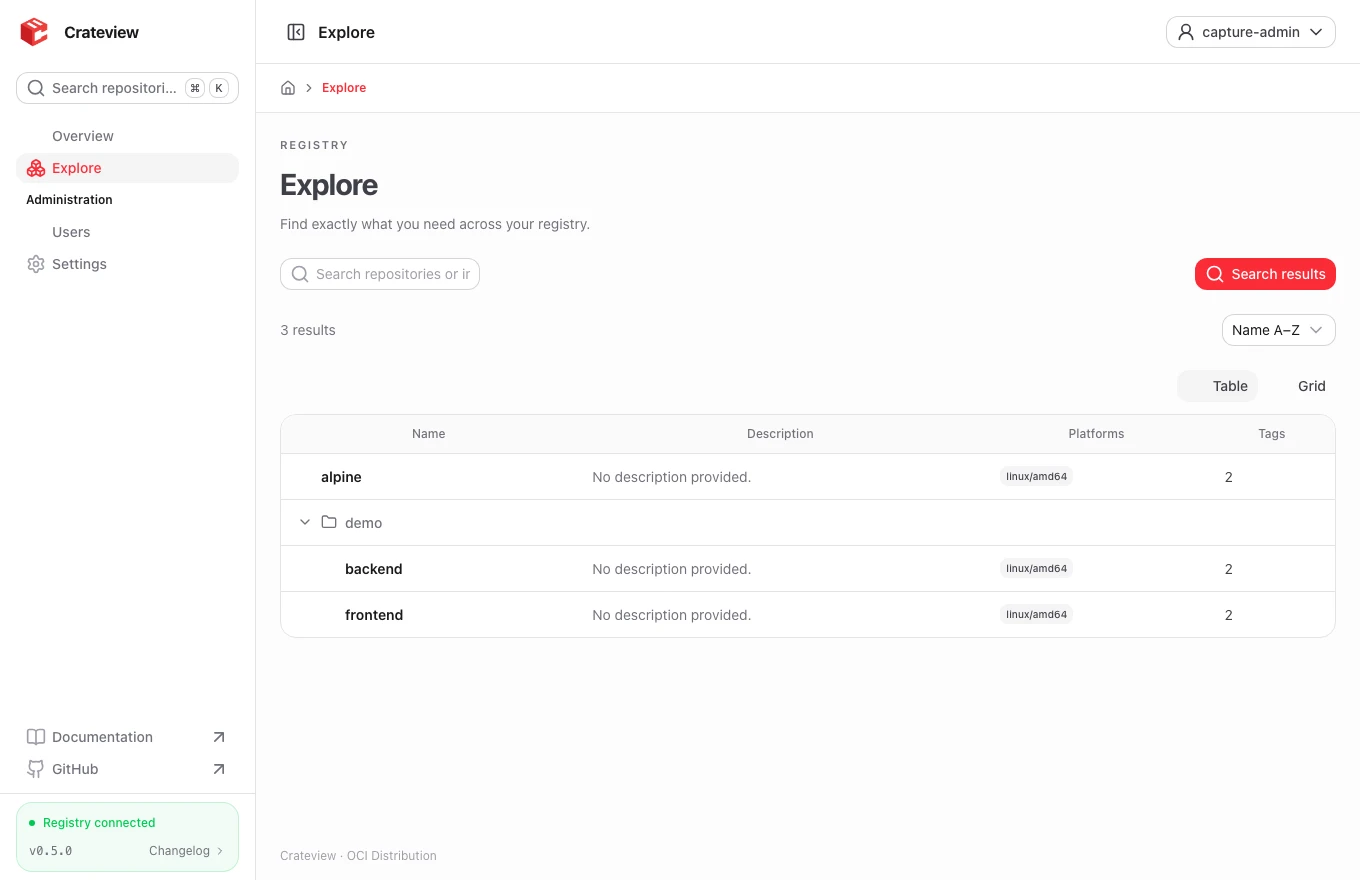
Crateview is a web interface for Docker and OCI container registries. It helps you find repositories and tags, inspect multi-platform images, read manifests and config documents, and understand compressed layers and their history.
It runs alongside your registry. The registry stores images and enforces access control; Crateview supplies the interface and a same-origin proxy. Docker and other OCI clients can use the frontend origin as their registry address.
Architecture
Browser / Docker / Podman / ORAS
              |
       Crateview (Nuxt / Nitro)
              |
   Your existing OCI registry
The core catalog needs no database; optional monitoring uses persistent SQLite. Account data uses htpasswd and a separate grants file.
Supported features
- Repository-name search, tag suggestions and nested namespaces.
- Tag tables, platform selection, compressed layer sizes and image history.
- OCI annotations for descriptions, source URLs, documentation and licenses.
- Raw manifest and config JSON with clipboard support.
- OCI referrers, including the standard digest-tag index fallback maintained by OCI clients.
- Anonymous access and native htpasswd Basic Auth.
- Optional manifest deletion, with affected tags shown before confirmation.
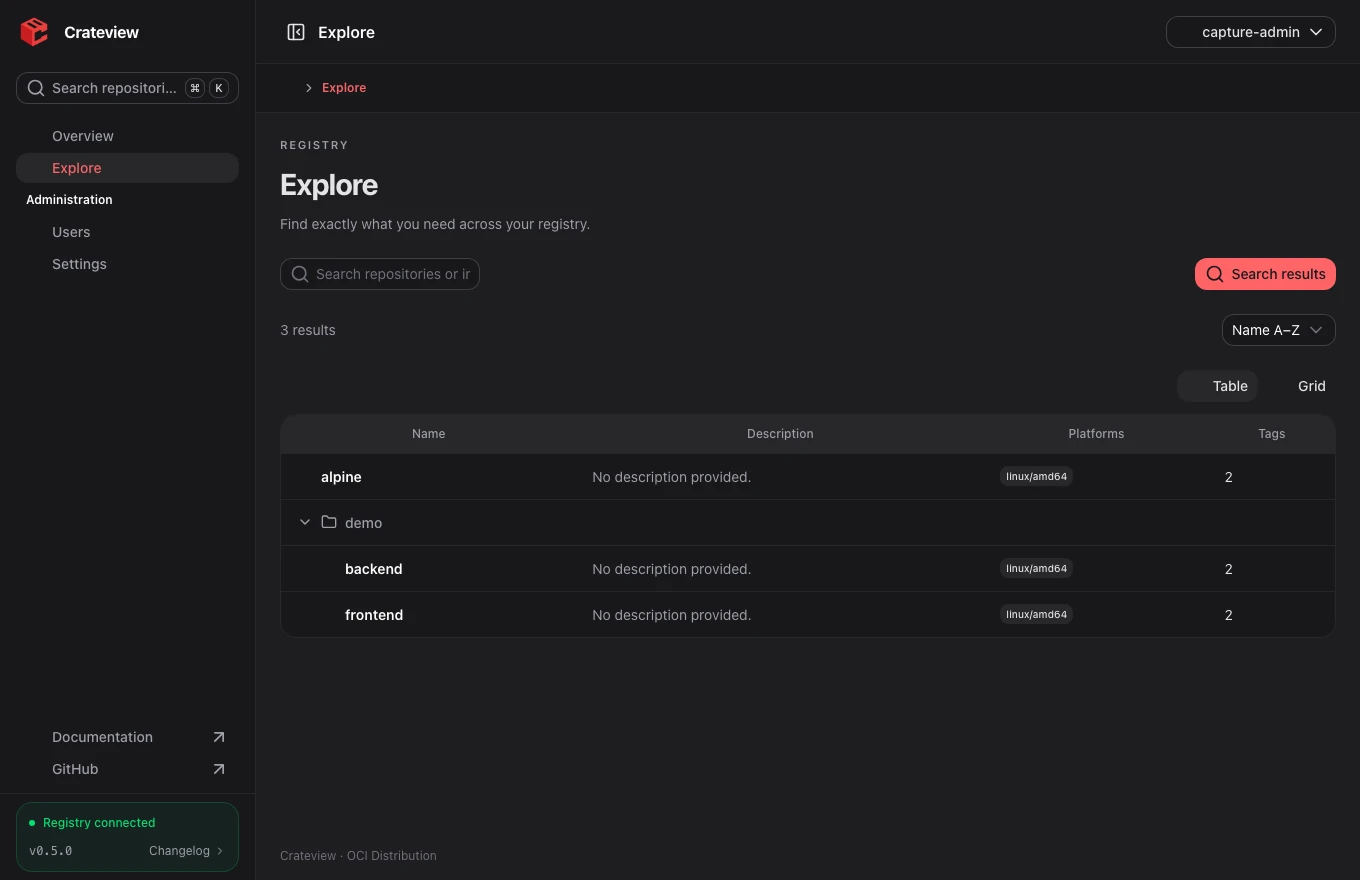
- 13 interface languages, System/Light/Dark, and configurable branding.
- Monitoring is optional and disabled by default. Overview opens the dashboard when enabled; otherwise /home redirects to /explore. Enabling monitoring exposes registry-wide operational data to everyone with UI access, including anonymous visitors of public registries. Managed token mode additionally requires a global read grant.
Know the boundaries
The standard API does not provide push timestamps, download statistics, favorites or vulnerability scanning. Crateview does not fabricate these values. An image creation date comes from image metadata and is not its upload time. Displayed sizes describe compressed image layers, not the registry's disk usage.
Administration groups Settings and Users. The account menu also offers language and theme selection. Account changes your own password after confirming the current password. Users lists accounts and creates them only when the server allowlist permits it; token grants are read-only. New accounts require a password of at least 12 characters and at most 72 UTF-8 bytes. New token accounts start without repository access.
Start with installation, then review configuration and authentication.