Authentication
Supported authentication
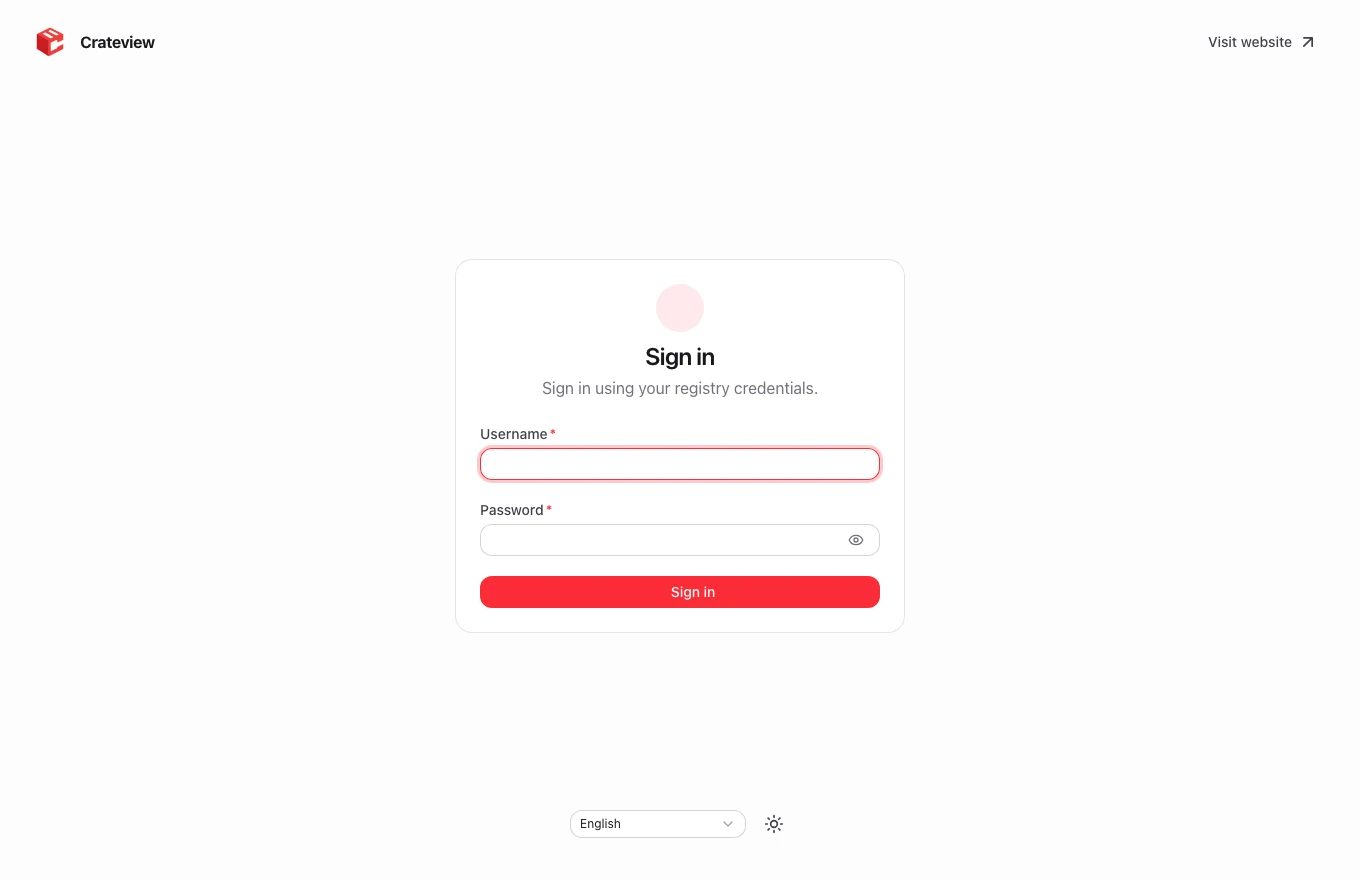
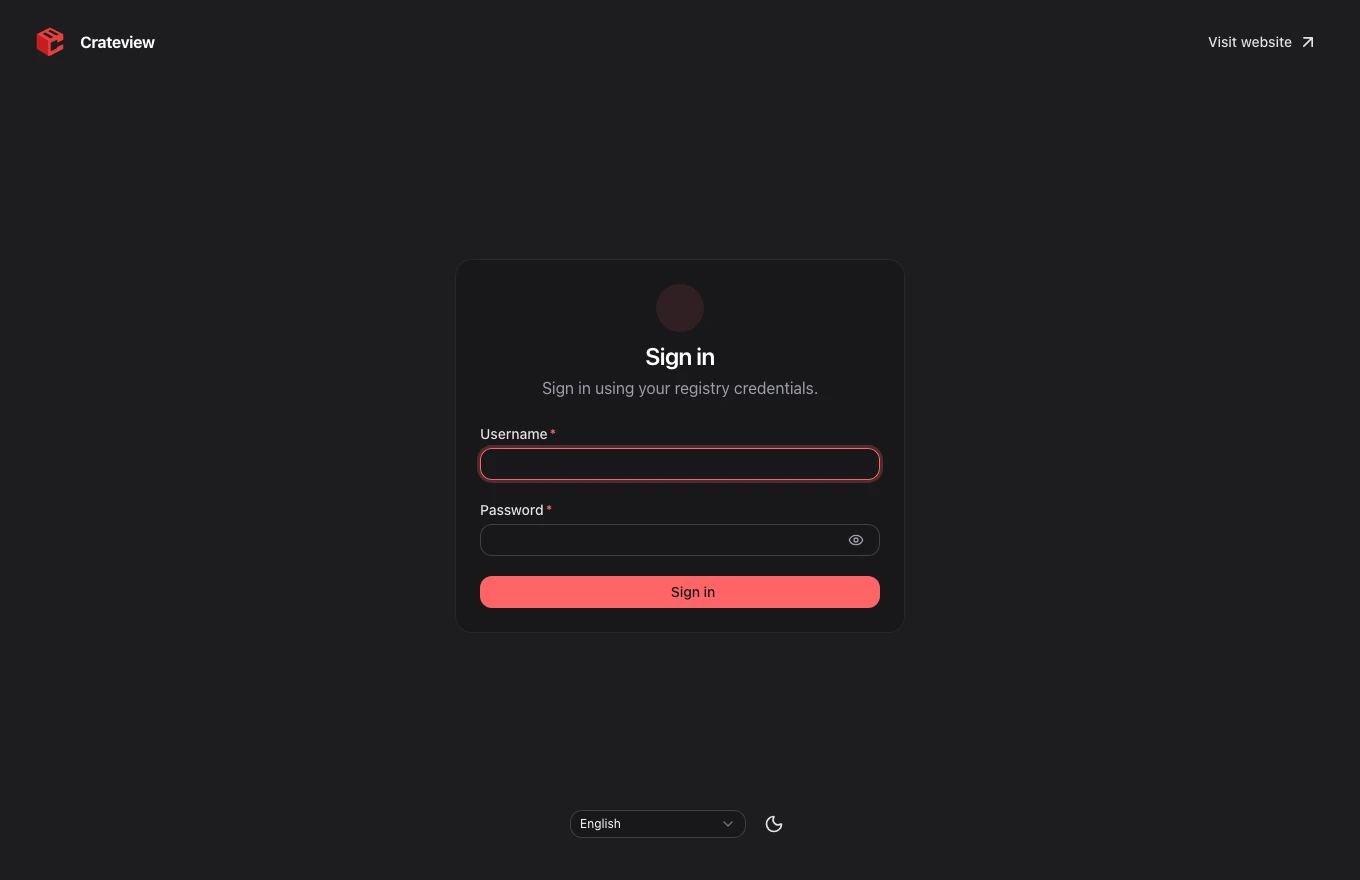
Crateview supports anonymous registries, native htpasswd Basic Auth and the optional Crateview auth service in token mode. It probes /v2/ and displays the sign-in form when the registry requires Basic authentication.
External Bearer-token services and OIDC are not integrated. Unconfigured external token services produce an explicit unsupported-auth notice.
Registry-side Basic Auth
Create an htpasswd file with a bcrypt password hash. The following example uses a temporary official Apache container; replace the example credentials and protect the resulting file:
mkdir -p auth
docker run --rm --entrypoint htpasswd httpd:2   -Bbn your-user choose-a-strong-password > auth/htpasswd
Example Distribution settings:
auth:
  htpasswd:
    realm: Registry
    path: /auth/htpasswd
Mount the generated file into the registry container at /auth/htpasswd. Registry configuration is separate from Crateview configuration. Use HTTPS for remote access; Basic Auth is an encoding, not transport encryption. Avoid leaving real passwords in shared shell history or public examples.
UI sessions
The Nitro server validates credentials against the registry. It stores them in an encrypted, HttpOnly, SameSite=Strict cookie. Browser JavaScript and localStorage do not receive the credentials. Sessions expire after eight hours.
Set a random production session secret:
openssl rand -base64 32
Use the generated value as NUXT_SESSION_PASSWORD, with at least 32 characters. Every frontend instance behind a load balancer must use the same value. Without configuration, Crateview generates a process-local secret, so a restart invalidates existing sessions.
HTTPS and logout
The session cookie uses Secure when the public request protocol is HTTPS. Configure the reverse proxy's forwarded protocol correctly. Signing out clears the UI session; it does not delete or modify registry users.
Docker and other CLI clients authenticate directly through the /v2/** proxy using their normal registry credentials. Signing into the web UI does not sign the Docker CLI in automatically.
Optional account management
An independent auth/management service supports account creation and own-password changes. Docker connects directly to the registry and works without the UI container. Users and bcrypt hashes stay in htpasswd; token permissions live in permissions.json. Account storage does not use SQLite.
- Basic mode: Distribution checks the shared htpasswd file; all users have equal registry access. Docker does not require the management service to run.
- Token mode: The independent auth service issues signed five-minute tokens; Distribution enforces repository permissions. Docker requires the registry and auth service. New users initially have no repository access.
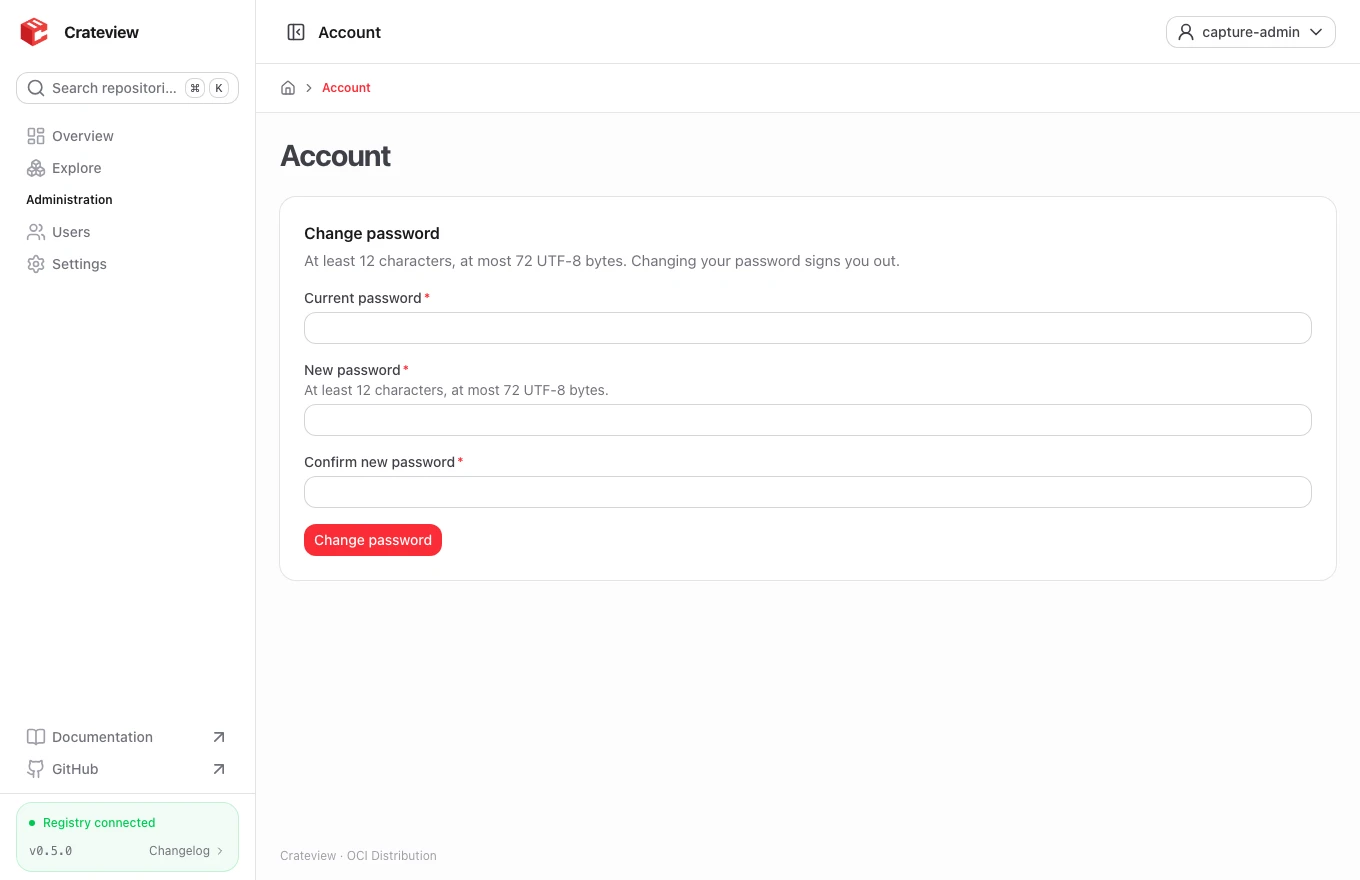
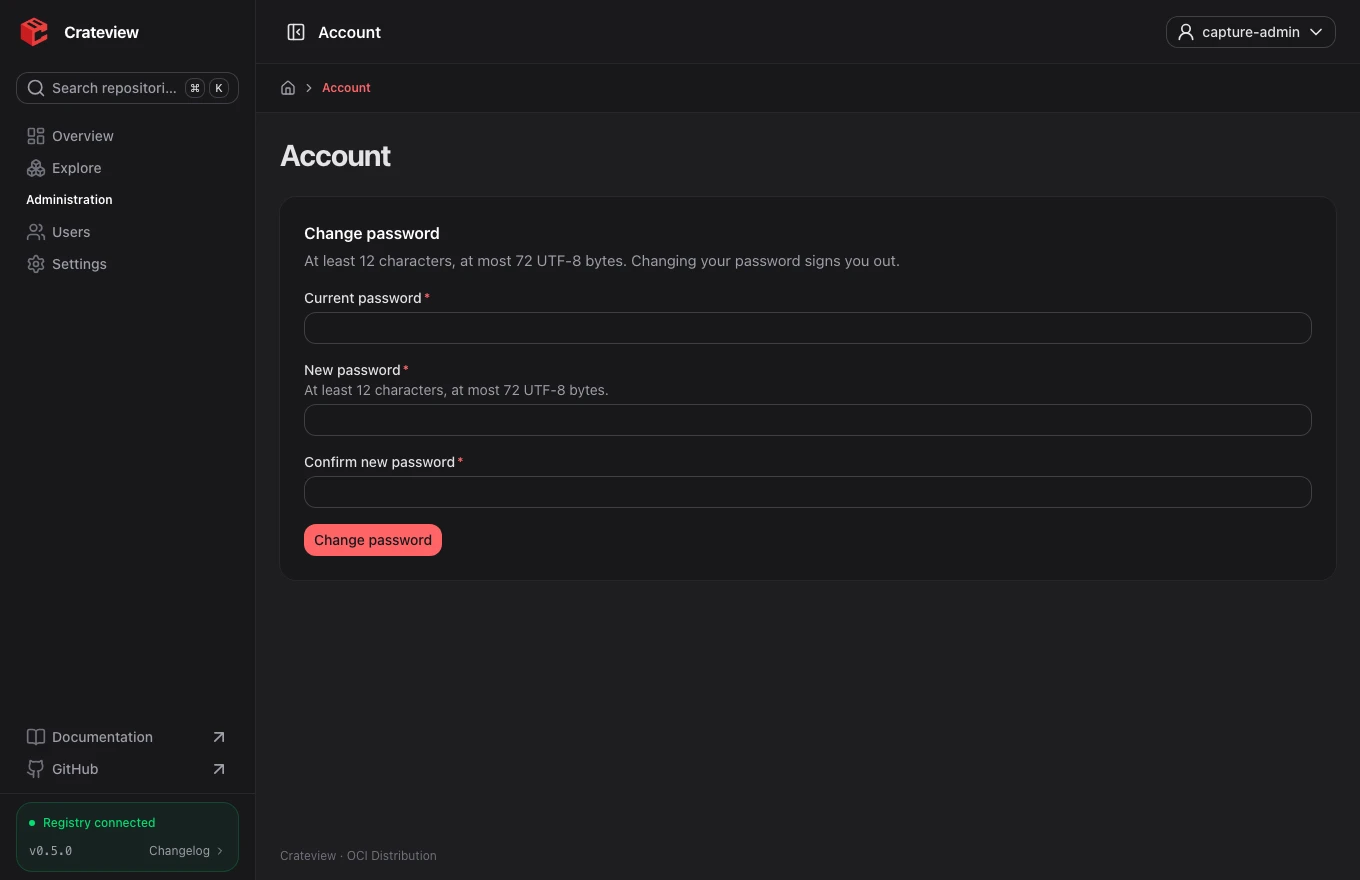
- UI: Users change their own password by supplying the current password.
NUXT_USER_CREATION_ALLOWED_USERSdefaults to empty;alice,boballows only those users to create accounts,*allows every authenticated user. This policy is enforced server-side. - Permissions: CLI grants target exact repositories, namespaces (
team/*) or everything (*); profiles arereader(pull),writer(pull/push), andmanager(pull/push/delete). Basic mode has no registry roles.
Explicitly enable NUXT_AUTH_MODE=htpasswd or token and configure the internal NUXT_AUTH_SERVICE_URL and server-only NUXT_AUTH_SERVICE_SECRET. Token mode additionally requires NUXT_AUTH_TOKEN_REALM to match the public token endpoint exactly. Anonymous registries and external token services do not support local account management. Permissions and administrative password resets use the auth CLI; the UI cannot change other users' passwords or assign permissions.
See the account service guide for Compose overlays, setup, migration and CLI commands. Route public Docker access directly to the registry independently of the UI. Previously issued tokens remain valid for up to five minutes after password changes or permission revocation.
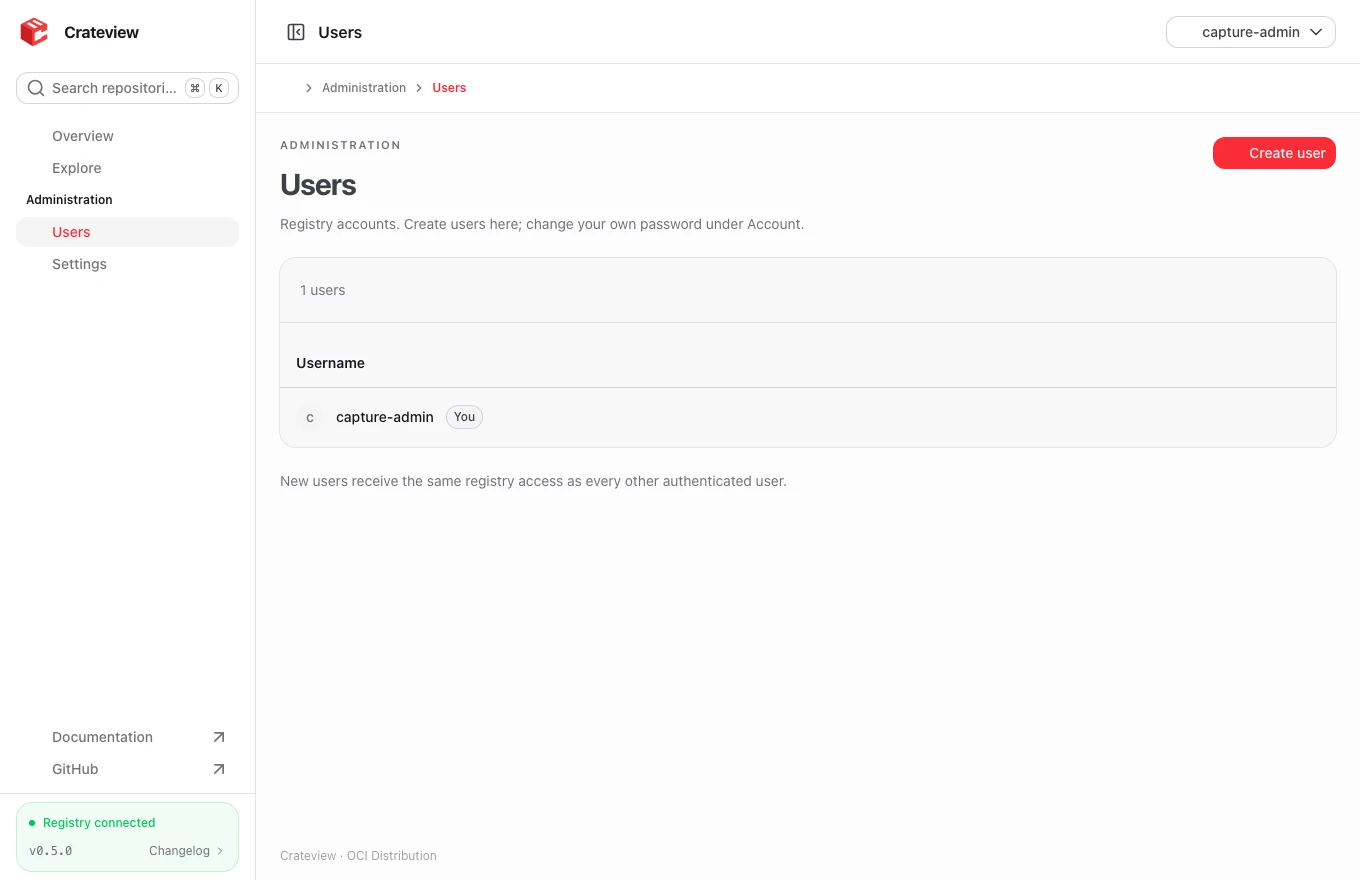
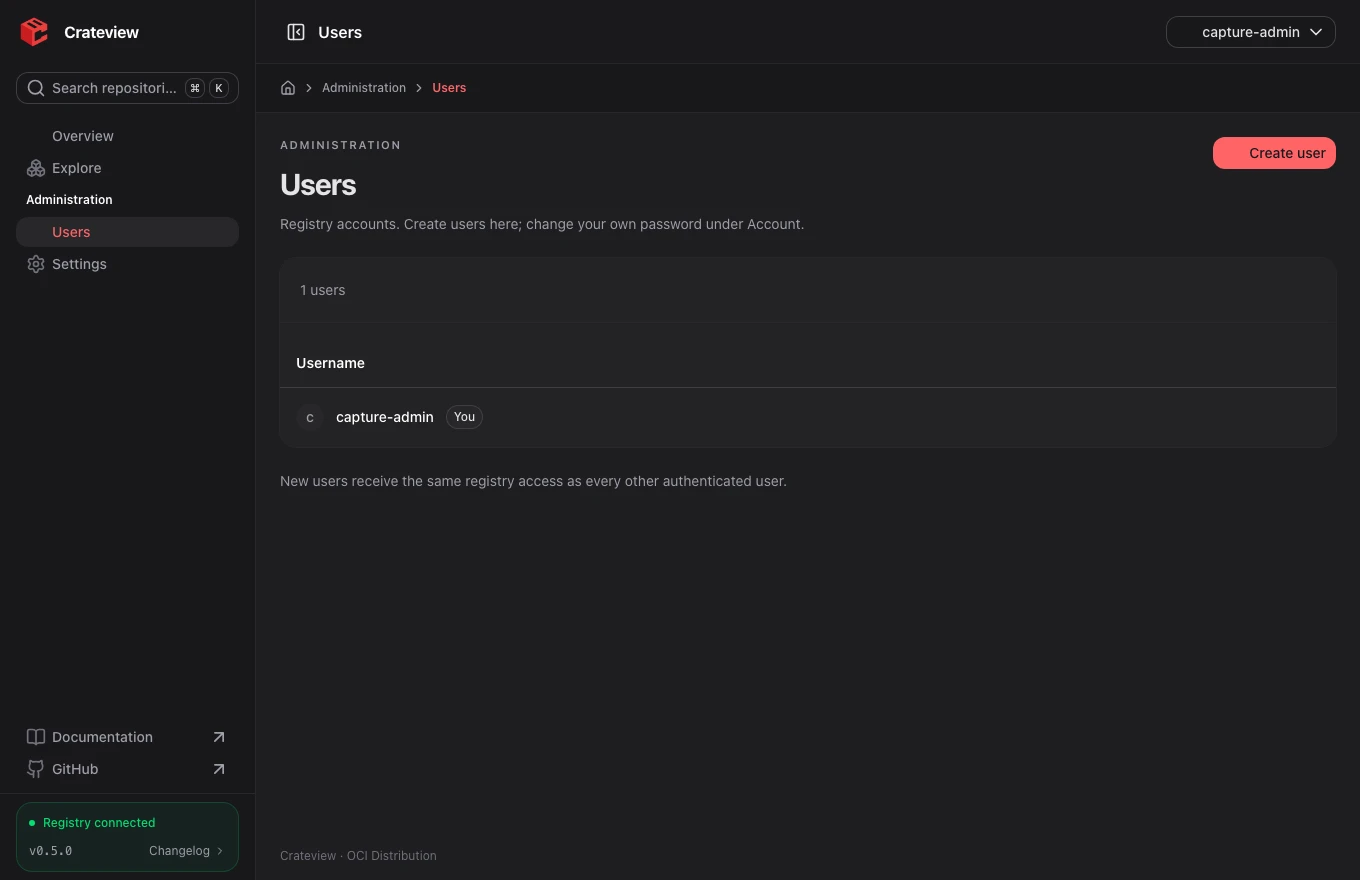
Administration groups Settings and Users. The account menu also offers language and theme selection. Account changes your own password after confirming the current password. Users lists accounts and creates them only when the server allowlist permits it; token grants are read-only. New accounts require a password of at least 12 characters and at most 72 UTF-8 bytes. New token accounts start without repository access.
NUXT_AUTH_MODE=htpasswd
NUXT_AUTH_SERVICE_URL=http://auth:8080
NUXT_AUTH_SERVICE_SECRET=REPLACE_WITH_SEPARATE_MANAGEMENT_SECRET
NUXT_USER_CREATION_ALLOWED_USERS=alice,bob