Your registry.
In focus.
Find your images, inspect every layer, and understand what you ship. A clean, configurable interface for Docker and OCI registries.
Your registry stays in charge. Crateview brings the interface.
A REAL LOOK INSIDE
From a tag to the whole picture.
Browse repositories, compare platforms, and inspect manifests without piecing together API requests.
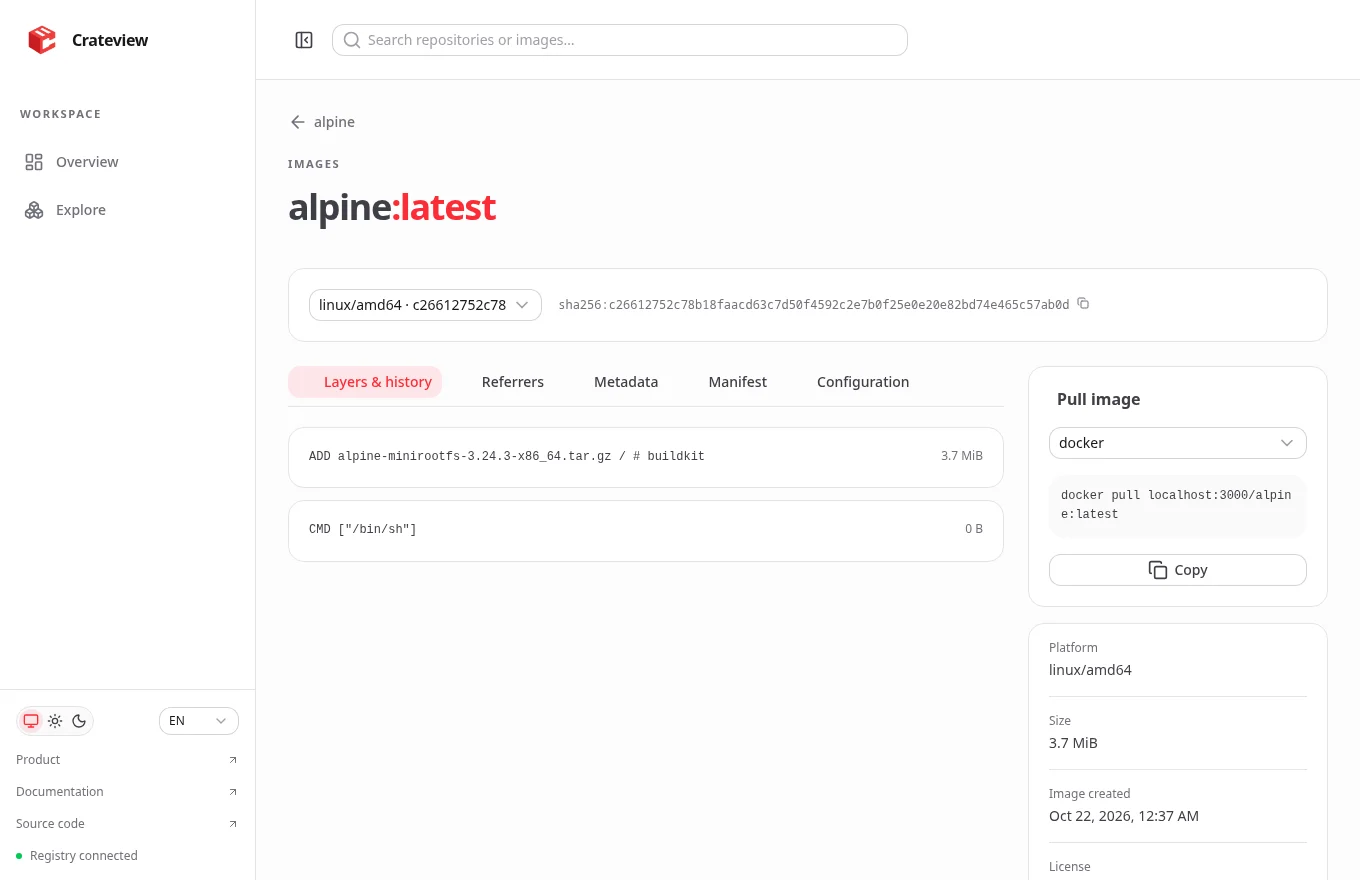
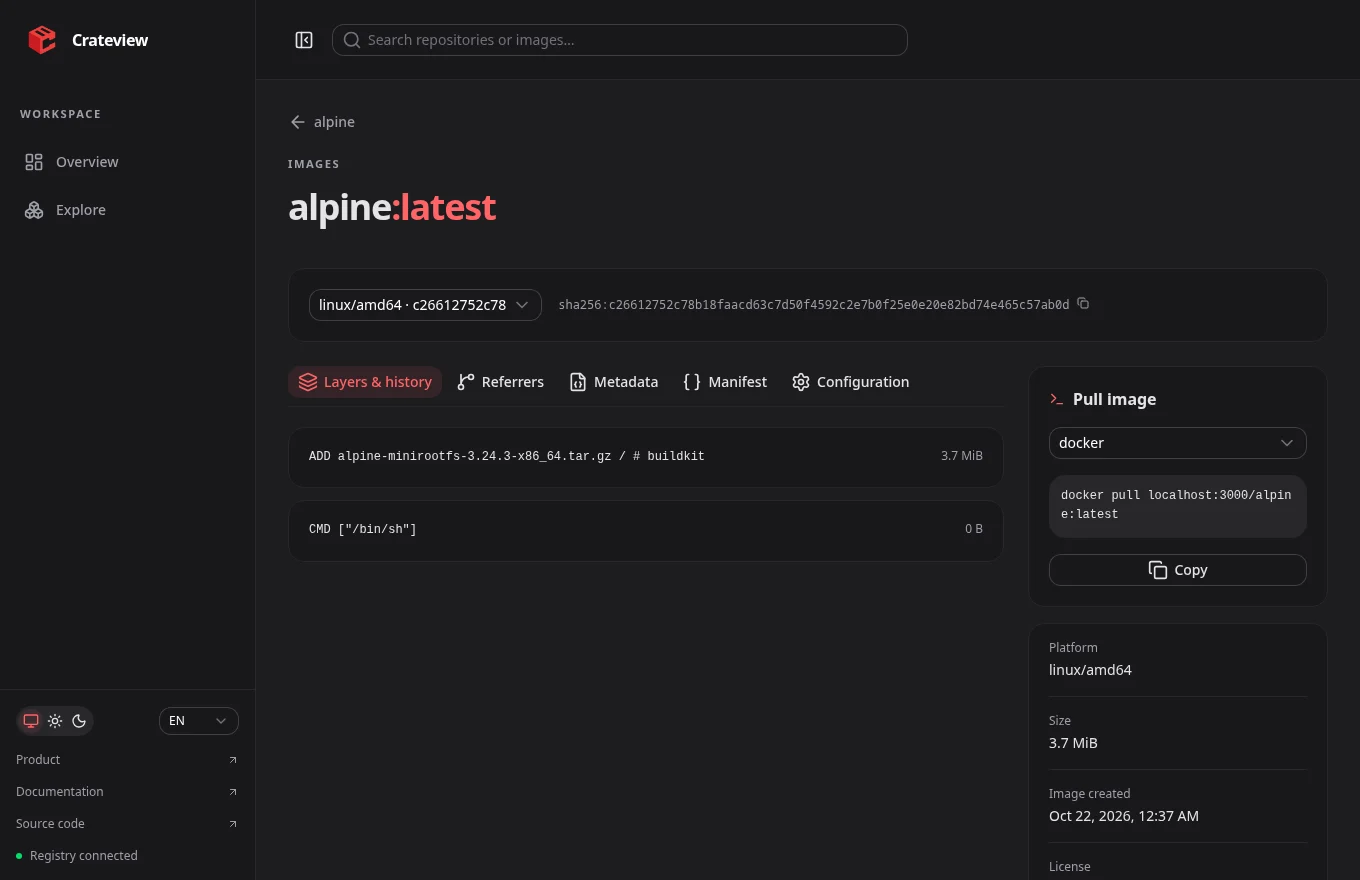
Actual Crateview interface. Example registry with Alpine.
LESS GUESSWORK. MORE CONTEXT.
The details you need. An interface that gets out of the way.
Find the right image
Search repositories and tags, navigate namespaces, and jump straight into the image you need.
Look beneath the tag
Inspect multi-platform manifests, image configuration, compressed layers, history and OCI metadata.
Make it yours
Your logo, your colors, your registry. Runtime branding, system-aware dark mode, and English or German.
Respect the registry
Use anonymous access or native Basic Auth. Credentials stay in an encrypted, HttpOnly session cookie.
Built on the standard
Works with Registry HTTP API V2, OCI image indexes and the standard referrers tag fallback. No separate search service.
Delete deliberately
Manifest deletion is opt-in. The confirmation shows every tag affected by deleting the digest.
RUN IT YOUR WAY
A small addition to your existing stack.
Start with the complete Docker Compose stack, or connect Crateview to a registry you already run.
Read the installation guidegit clone https://github.com/crateview/registry-ui.git
cd registry-ui
docker compose pull
docker compose up -dOpen http://localhost:3000 after the build.
A UI for your registry. Clear about its boundaries.
Crateview shows what the registry actually provides. Image creation dates are not push timestamps. Compressed image sizes are not registry disk usage. Scanning and user administration stay with dedicated services.
A few things worth knowing.
Give your registry a clearer view.
Bring Crateview into your stack. Start with the guide, then make it your own.